
Responder · Video walkthrough
Responder: inspect an incident before responding
Find a training incident, inspect its information and assignments, and distinguish missing context from an operational response.
Before you begin
- An existing authorized Responder session; no sign-in flow is demonstrated.
- Permission to read calls and their supporting views in a fictional practice department.
- These browser screens use the app Dark display preference; no device-location or hardware permission is required.
Chapters
- Find the incident you mean
- Read the nature and location in context
- Check the Info fields and training note
- Separate assignments from a response
- Interpret the available protocol and activity views
- Inspect notes without posting
- Check which supporting material exists
- Keep review and response decisions distinct
Watch the walkthrough
Step 1
Find the incident you mean
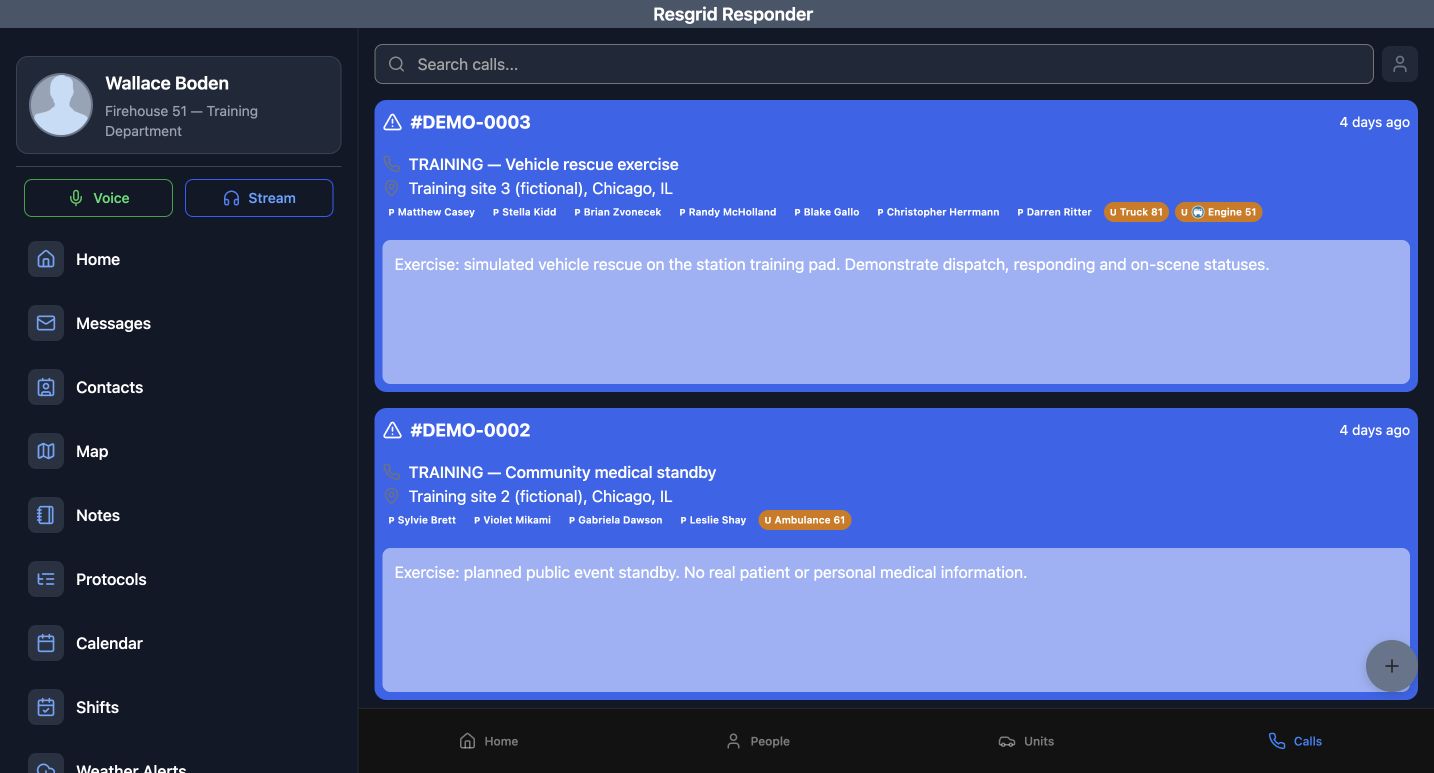
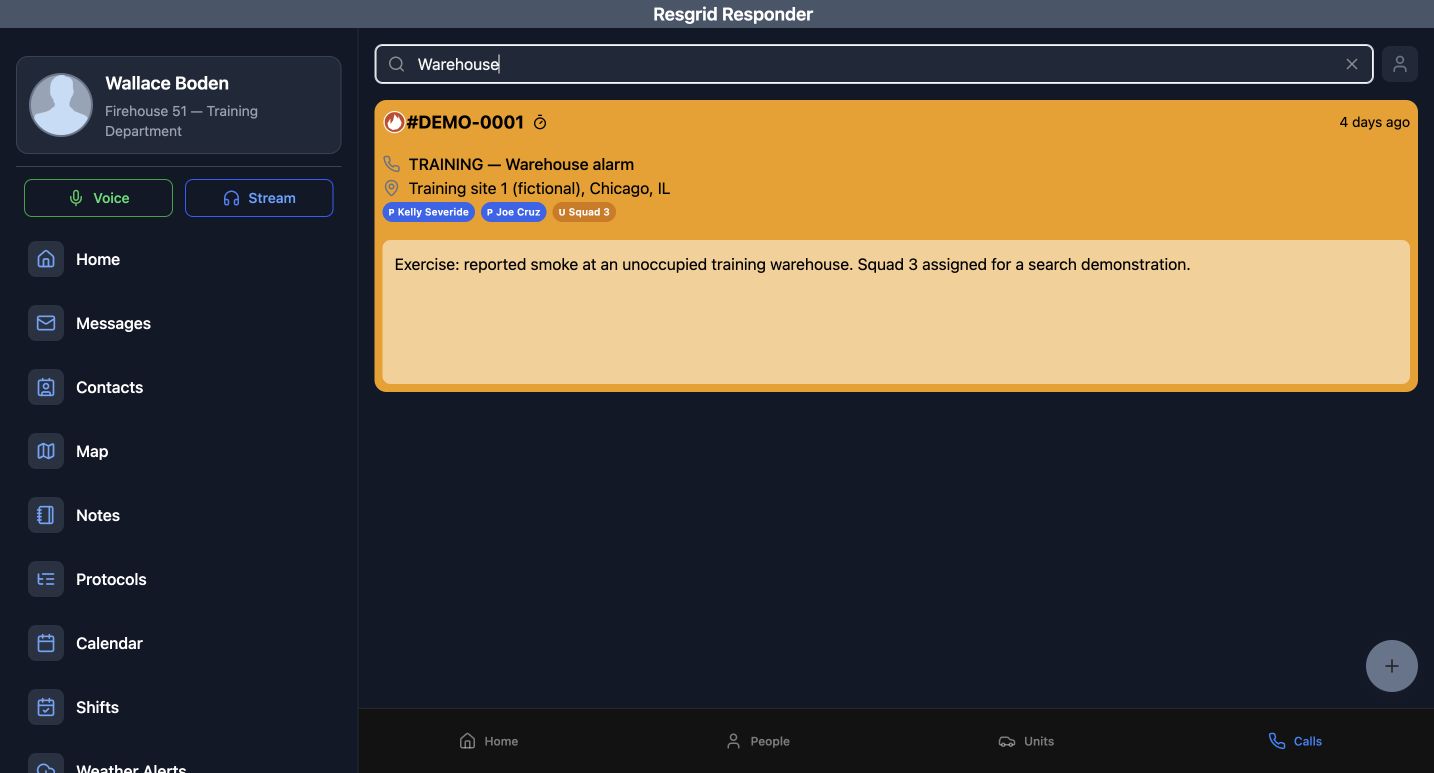
Begin on Calls in an authorized Responder session. The cards bring together a call number, name, location and assigned resources. Read those details before choosing any response. In this fictional department, enter Warehouse in Search calls. The list narrows to TRAINING — Warehouse alarm, numbered DEMO-0001, at Training site one in Chicago. Check the name, number and address together; a familiar word in a search result is not enough to identify an incident. The search changes the displayed list. It does not rename a call, dispatch anyone or change your personal status.
Practice
Find the training warehouse by name and confirm its number and location without creating or editing a call.
Step 2
Read the nature and location in context
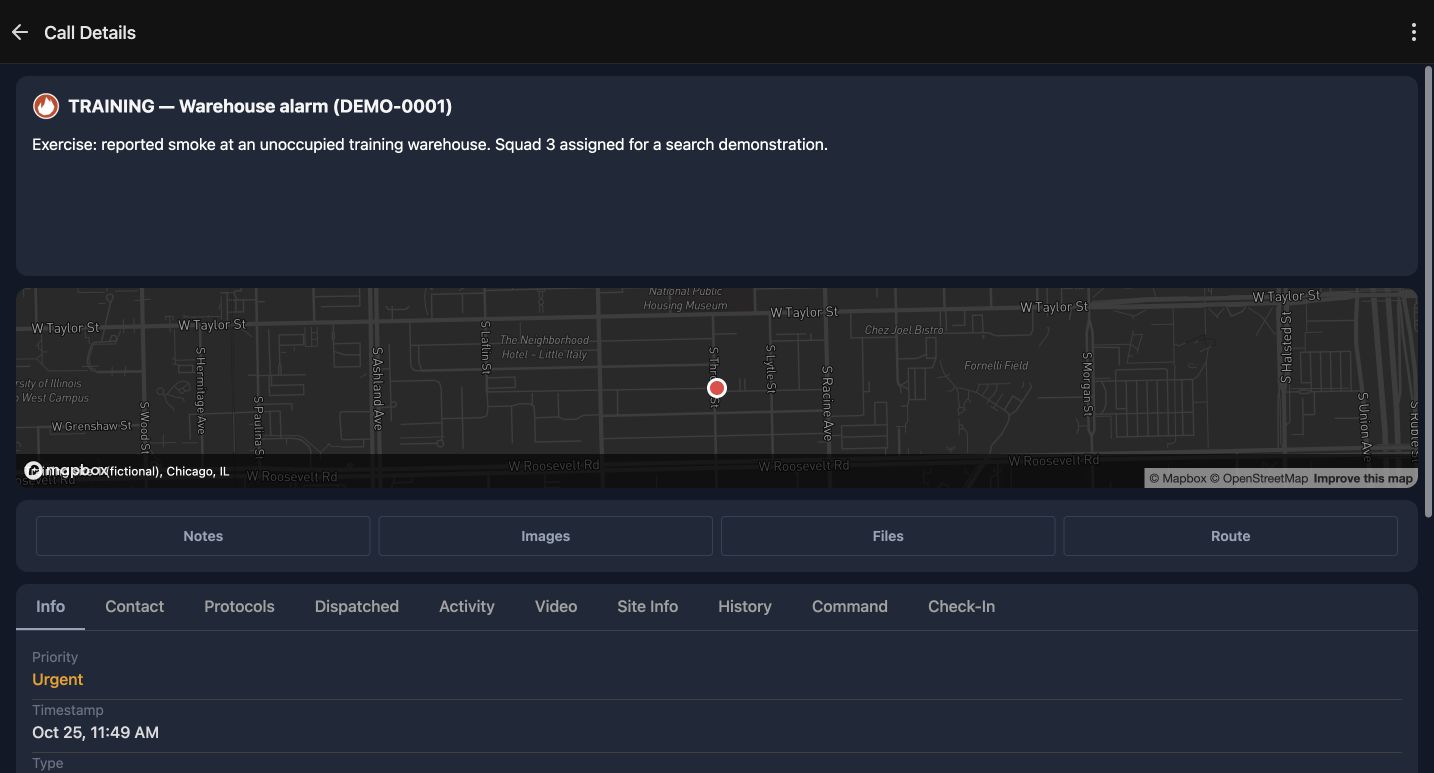
Open that card to reach Call Details. The same name and number remain at the top, followed by the nature of the call. Here it describes reported smoke at an unoccupied training warehouse and a Squad Three search demonstration. The map provides context for the stored incident location. It does not establish where your device is or whether a crew has arrived. Route is available beside Notes, Images and Files, but we leave it untouched while reviewing the information already supplied.
Practice
Confirm the incident identity and describe what the stored nature actually says, without opening Route or requesting location access.
Step 3
Check the Info fields and training note
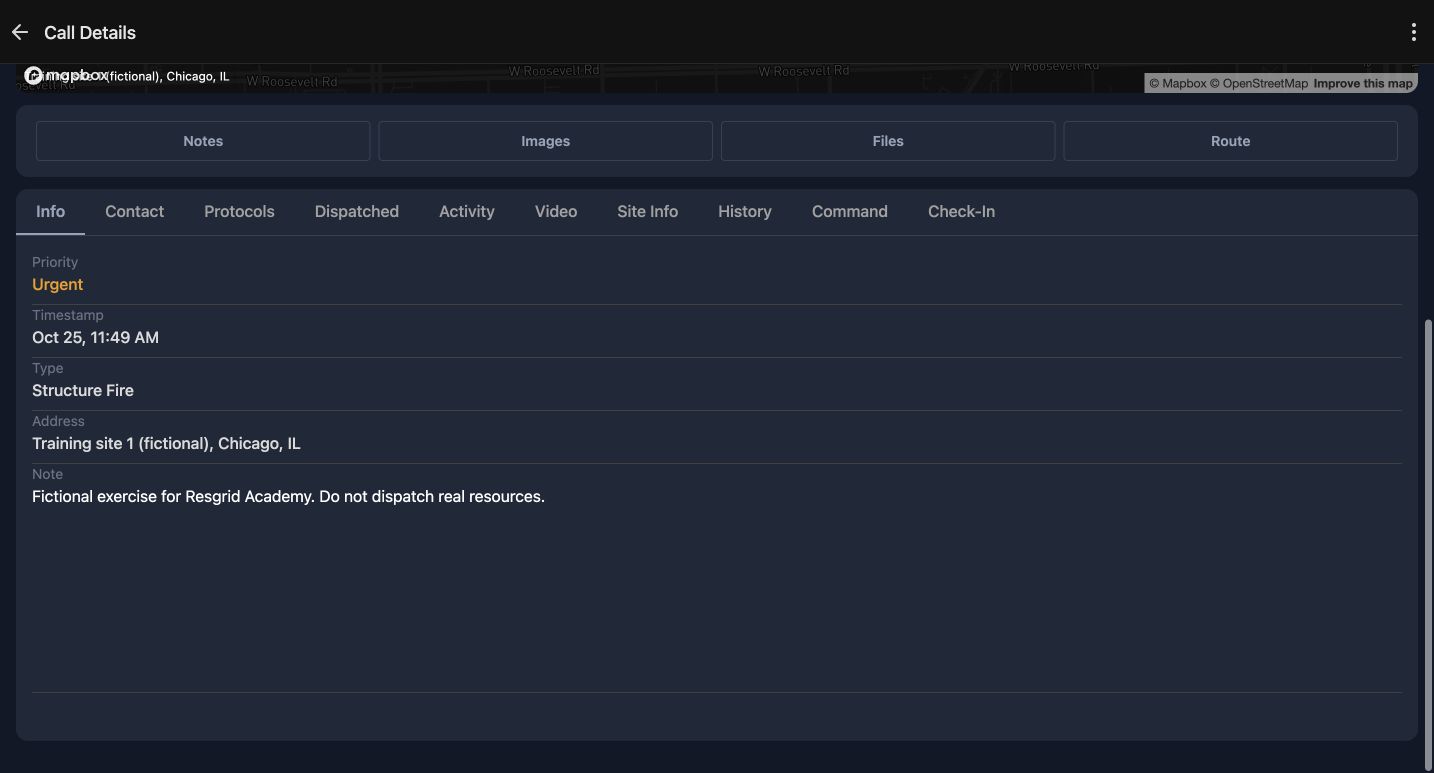
On Info, scroll until Priority, Timestamp, Type, Address and Note are visible together. This example shows Urgent and Structure Fire. Its timestamp is October twenty-fifth at eleven forty-nine in the morning; that displayed time is not an arrival report. Check the address against the intended training site. The note explicitly identifies a fictional Academy exercise and says not to dispatch real resources. Read qualifiers like this along with the headline, rather than carrying an assumption from the call list into your next action.
Practice
Identify the priority, type, timestamp and training qualifier, keeping the timestamp distinct from an arrival time.
Step 4
Separate assignments from a response
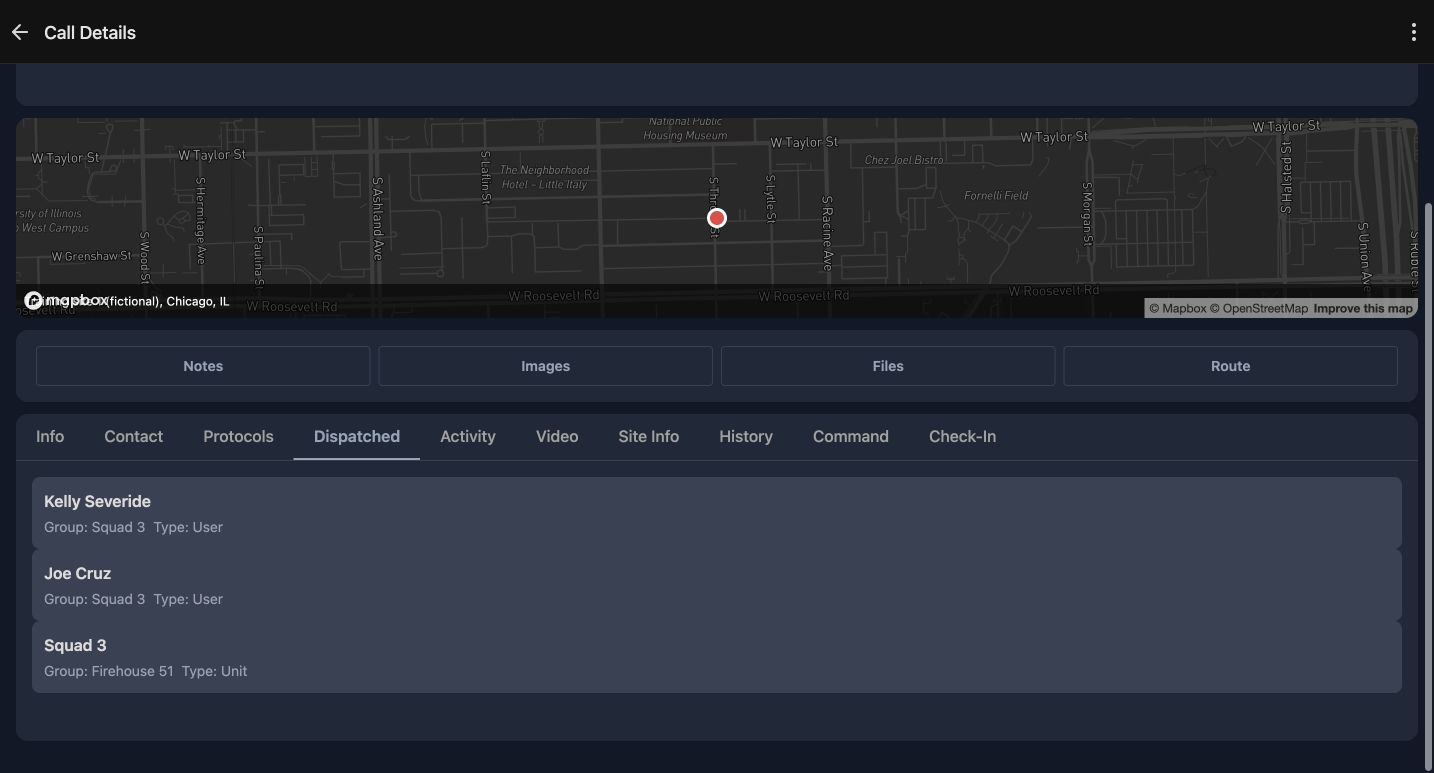
Choose Dispatched and bring all the resource rows into view. Kelly Severide and Joe Cruz appear as User entries associated with Squad Three. Squad Three also has its own Unit entry, associated with Firehouse Fifty-one. The Group and Type labels help distinguish a person from a vehicle or team resource. This is the recorded dispatch assignment for the call. A name in this list does not, by itself, prove that person acknowledged the call, changed status, reached the location or received an external notification.
Practice
Distinguish both User rows from the Unit row and explain what the assignment list does and does not establish.
Step 5
Interpret the available protocol and activity views
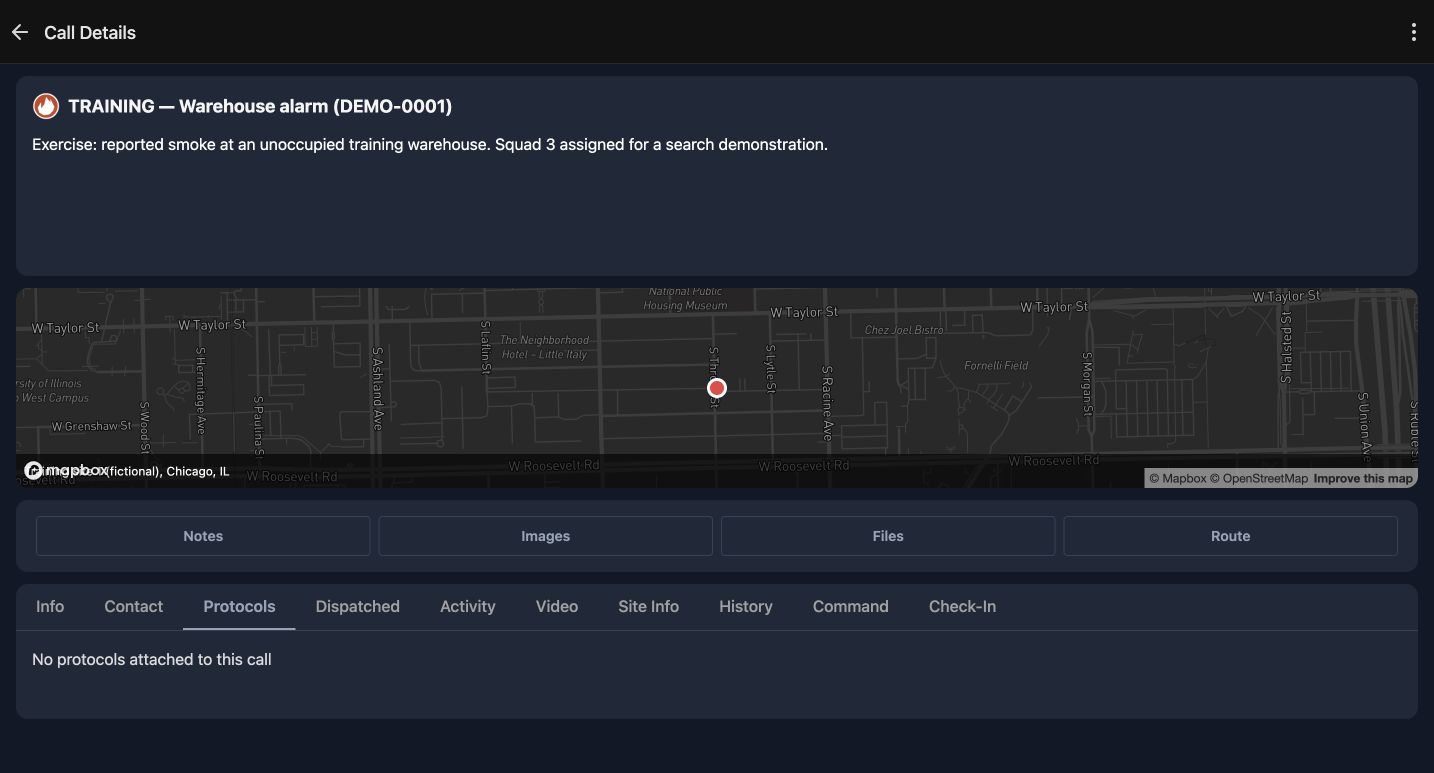
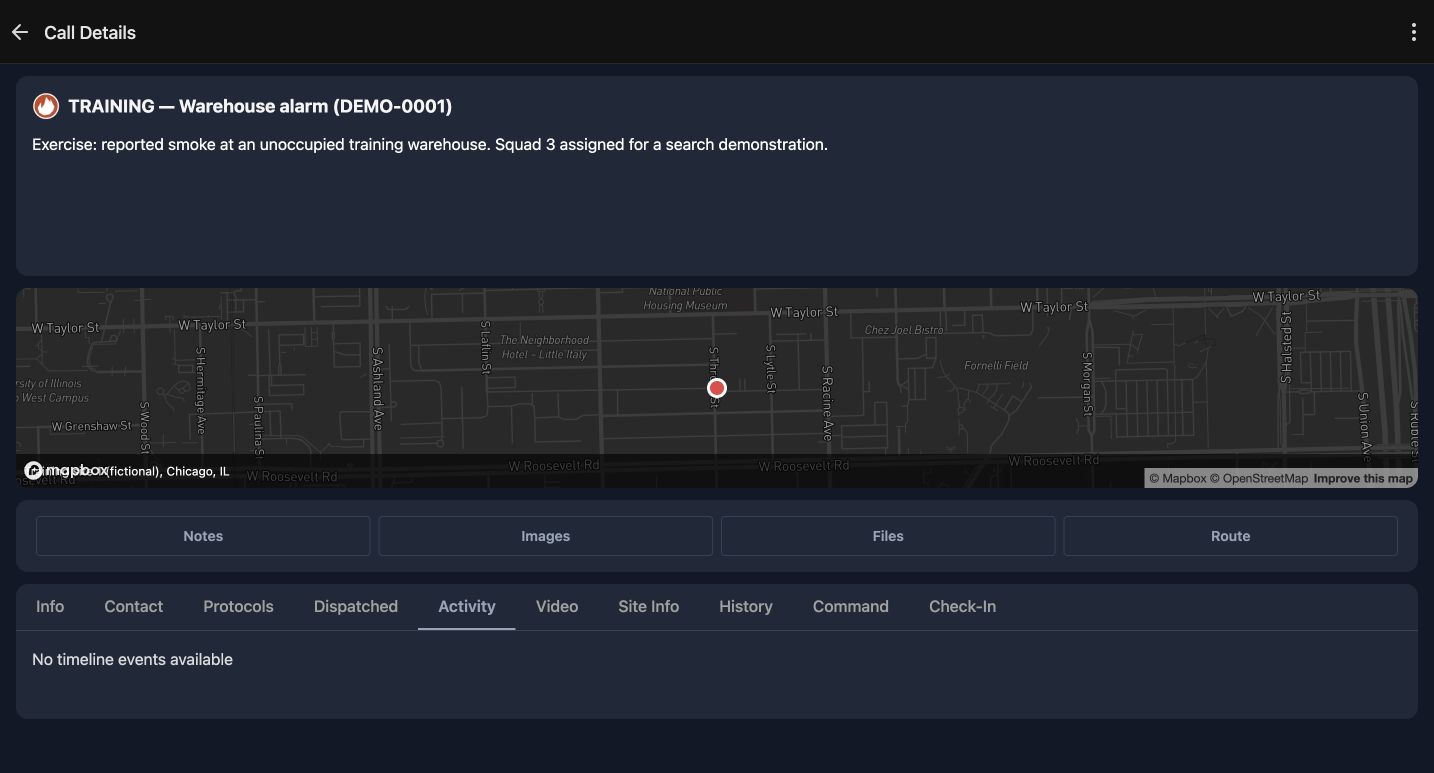
Protocols and Activity answer different questions. In Protocols, this call currently returns No protocols attached to this call. Activity returns No timeline events available. Read each result in the context of the selected incident. Neither message supplies a missing procedure or confirms an arrival. An empty activity view is not a reason to invent a response history. If important guidance or chronology is missing, resolve that through your authorized coordination process before treating the information as complete.
Practice
Compare the two empty messages and explain which question each tab is trying to answer.
Step 6
Inspect notes without posting
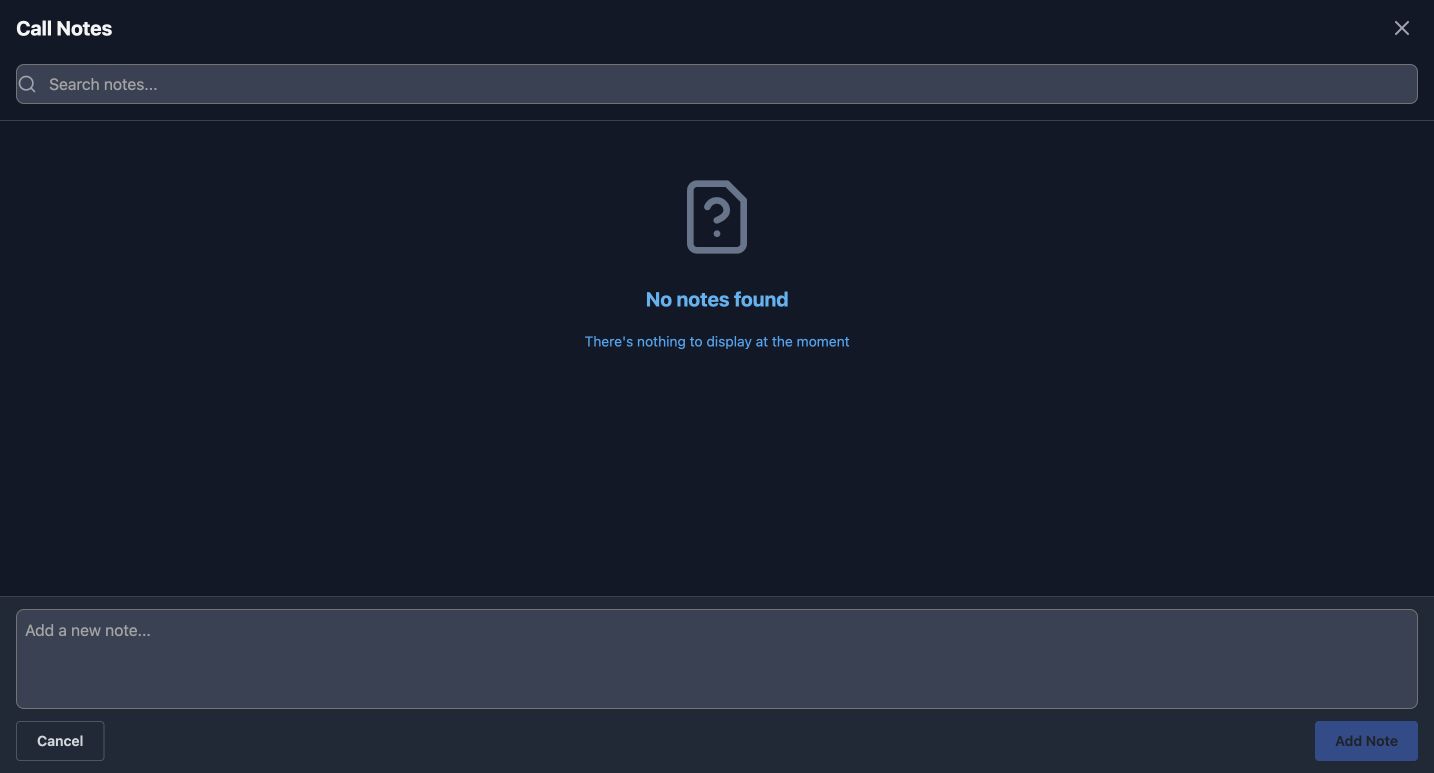
Choose Notes to inspect Call Notes. This example says No notes found. The search box can help find an existing note when there are entries. Below it, Add a new note and Add Note belong to the writing workflow. We leave the field blank and use Cancel, so this inspection adds nothing to the incident. Reading the original note on Info and checking the separate Call Notes list are useful complementary checks; do not assume they are the same piece of information.
Practice
Open Call Notes, read its current result and cancel without entering or posting text.
Step 7
Check which supporting material exists
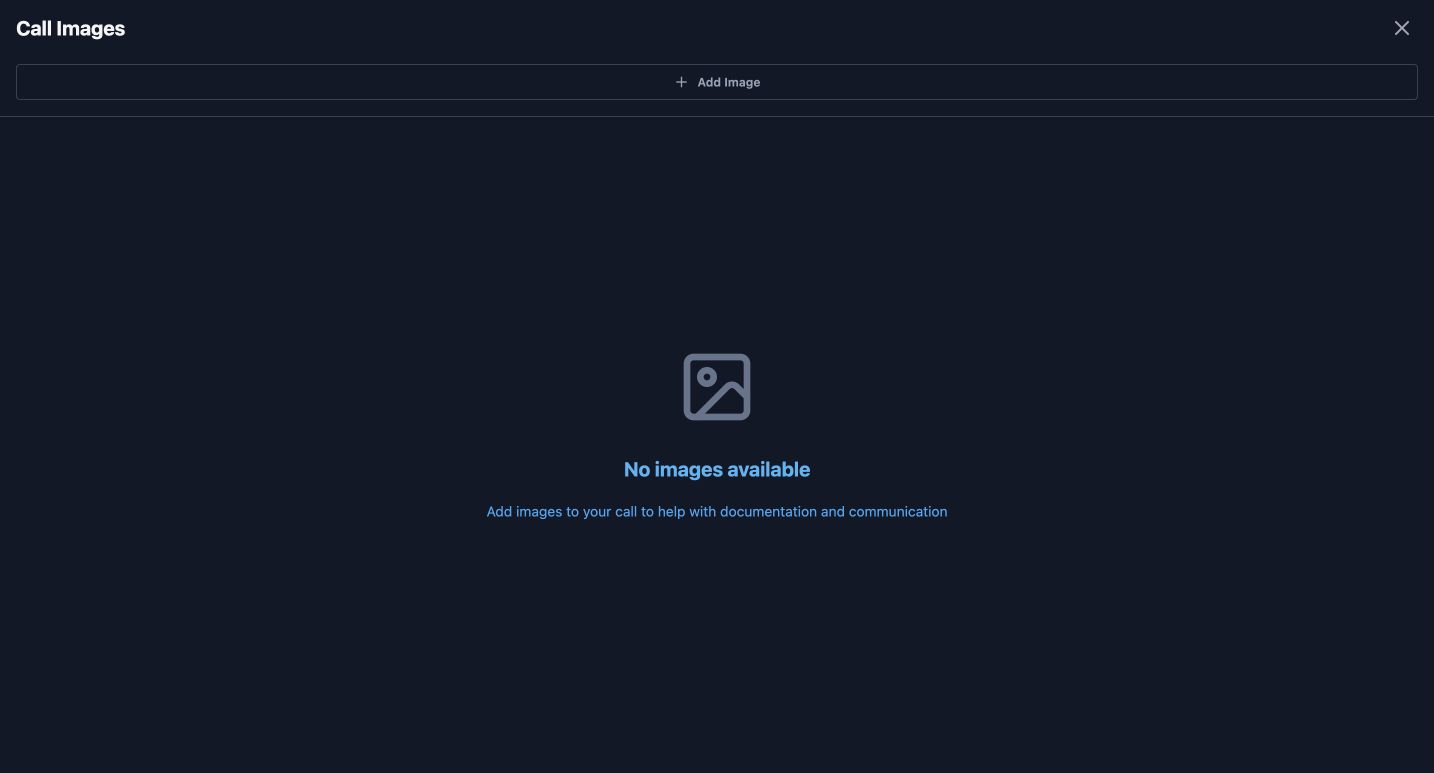
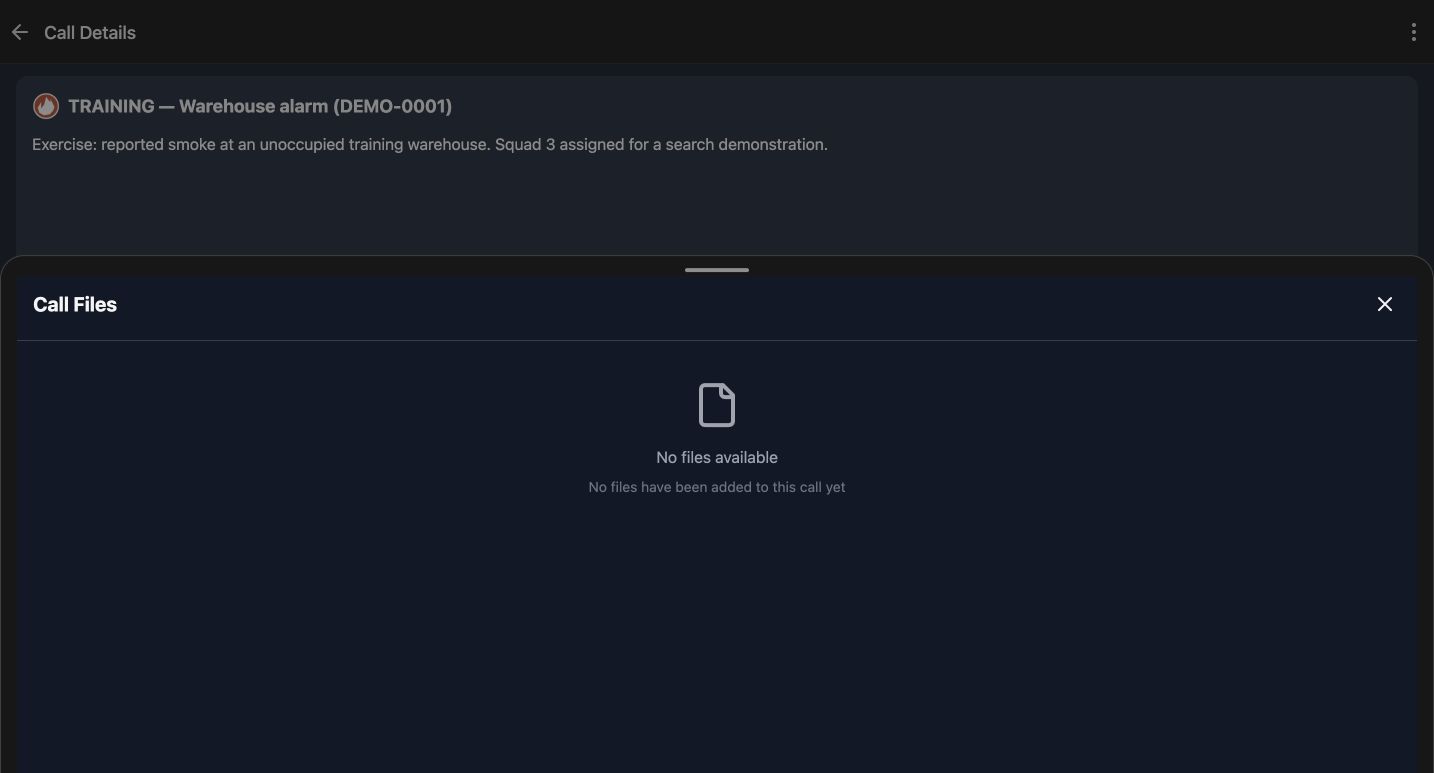
The Images and Files buttons open separate supporting views. Call Images currently says No images available. Call Files says No files available and explains that none have been added to this call. These are the results shown for this incident, not demonstrations of uploading, downloading or taking a photograph. Check the call identity before relying on an attachment from any source, and use only approved material when a later task genuinely requires adding one.
Practice
Inspect both supporting views and distinguish an empty list from a successful upload or download.
Step 8
Keep review and response decisions distinct
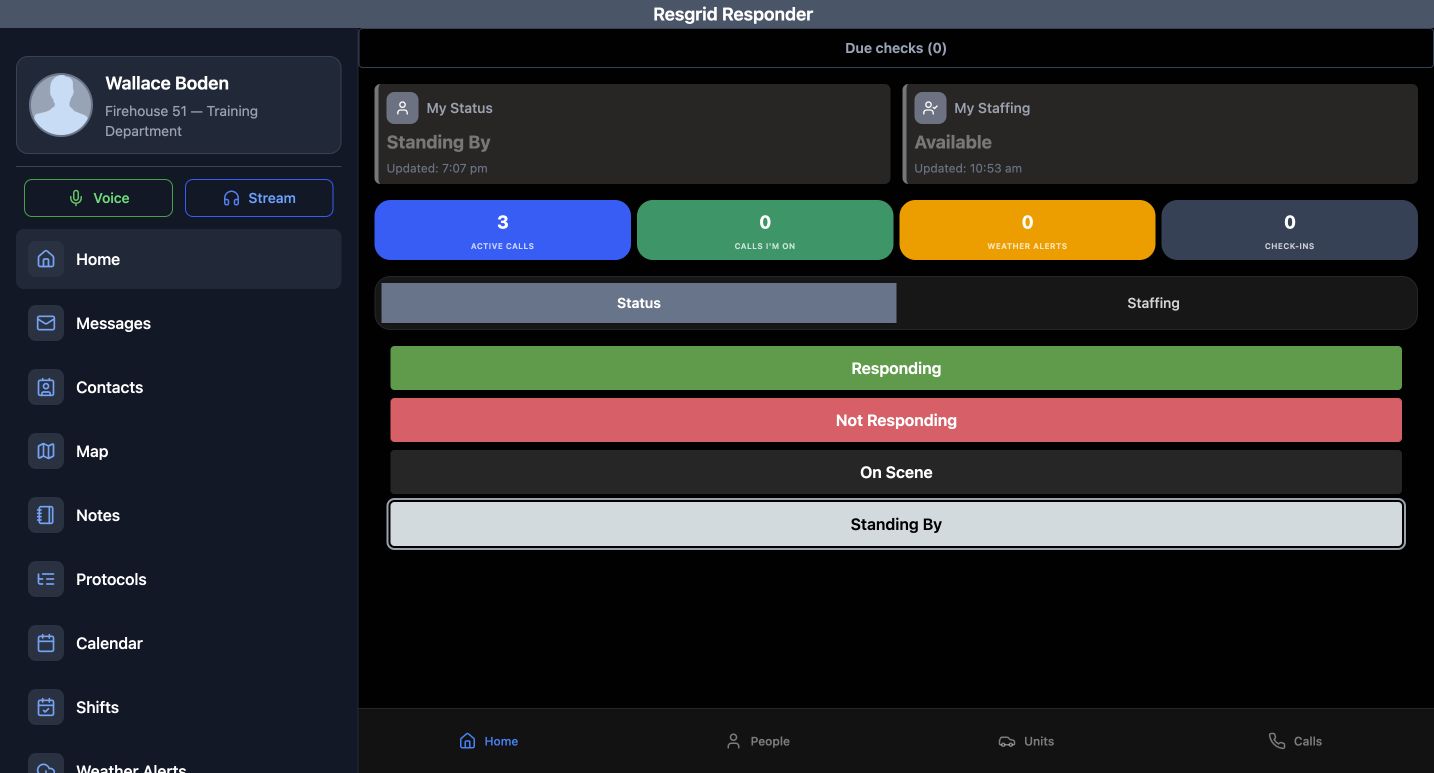
On Home, this example shows three Active Calls and zero Calls I’m On. Those counts answer different questions. The Status controls include Responding, Not Responding, On Scene and Standing By; the Standing By choice remains outlined during this review. We do not press a response button. Use the same read-before-response pattern for fire and EMS, community-care or mental-health teams, search and rescue, security patrols, wildland contractors and industrial teams. Find the correct incident, read its context and assignments, and identify missing information before making an authorized operational response.
Practice
Explain why reading an incident and seeing an assignment are separate from sending your own response.
Examples for your department
- Fire / EMS
- Review the correct training alarm, priority, nature and assignments before choosing a personal response.
- Community response
- Review a fictional operational call and missing guidance without adding client histories to notes.
- Search and rescue
- Confirm the mission identity and assigned people/unit rows without treating them as arrival reports.
- Security
- Inspect a patrol incident and its supporting material before making an authorized response.
- Wildland
- Confirm the correct training incident location and group/type assignments without claiming physical resource positions.
- Industrial
- Review a site exercise and recognize empty procedure/attachment views before acting.
Transcript
Download transcriptRead the complete transcript
Responder: inspect an incident before responding
Audience: Responders and team members authorized to view department calls

Find the incident you mean
Begin on Calls in an authorized Responder session. The cards bring together a call number, name, location and assigned resources. Read those details before choosing any response. In this fictional department, enter Warehouse in Search calls. The list narrows to TRAINING — Warehouse alarm, numbered DEMO-0001, at Training site one in Chicago. Check the name, number and address together; a familiar word in a search result is not enough to identify an incident. The search changes the displayed list. It does not rename a call, dispatch anyone or change your personal status.
Practice: Find the training warehouse by name and confirm its number and location without creating or editing a call.

Read the nature and location in context
Open that card to reach Call Details. The same name and number remain at the top, followed by the nature of the call. Here it describes reported smoke at an unoccupied training warehouse and a Squad Three search demonstration. The map provides context for the stored incident location. It does not establish where your device is or whether a crew has arrived. Route is available beside Notes, Images and Files, but we leave it untouched while reviewing the information already supplied.
Practice: Confirm the incident identity and describe what the stored nature actually says, without opening Route or requesting location access.

Check the Info fields and training note
On Info, scroll until Priority, Timestamp, Type, Address and Note are visible together. This example shows Urgent and Structure Fire. Its timestamp is October twenty-fifth at eleven forty-nine in the morning; that displayed time is not an arrival report. Check the address against the intended training site. The note explicitly identifies a fictional Academy exercise and says not to dispatch real resources. Read qualifiers like this along with the headline, rather than carrying an assumption from the call list into your next action.
Practice: Identify the priority, type, timestamp and training qualifier, keeping the timestamp distinct from an arrival time.

Separate assignments from a response
Choose Dispatched and bring all the resource rows into view. Kelly Severide and Joe Cruz appear as User entries associated with Squad Three. Squad Three also has its own Unit entry, associated with Firehouse Fifty-one. The Group and Type labels help distinguish a person from a vehicle or team resource. This is the recorded dispatch assignment for the call. A name in this list does not, by itself, prove that person acknowledged the call, changed status, reached the location or received an external notification.
Practice: Distinguish both User rows from the Unit row and explain what the assignment list does and does not establish.

Interpret the available protocol and activity views
Protocols and Activity answer different questions. In Protocols, this call currently returns No protocols attached to this call. Activity returns No timeline events available. Read each result in the context of the selected incident. Neither message supplies a missing procedure or confirms an arrival. An empty activity view is not a reason to invent a response history. If important guidance or chronology is missing, resolve that through your authorized coordination process before treating the information as complete.
Practice: Compare the two empty messages and explain which question each tab is trying to answer.

Inspect notes without posting
Choose Notes to inspect Call Notes. This example says No notes found. The search box can help find an existing note when there are entries. Below it, Add a new note and Add Note belong to the writing workflow. We leave the field blank and use Cancel, so this inspection adds nothing to the incident. Reading the original note on Info and checking the separate Call Notes list are useful complementary checks; do not assume they are the same piece of information.
Practice: Open Call Notes, read its current result and cancel without entering or posting text.

Check which supporting material exists
The Images and Files buttons open separate supporting views. Call Images currently says No images available. Call Files says No files available and explains that none have been added to this call. These are the results shown for this incident, not demonstrations of uploading, downloading or taking a photograph. Check the call identity before relying on an attachment from any source, and use only approved material when a later task genuinely requires adding one.
Practice: Inspect both supporting views and distinguish an empty list from a successful upload or download.

Keep review and response decisions distinct
On Home, this example shows three Active Calls and zero Calls I’m On. Those counts answer different questions. The Status controls include Responding, Not Responding, On Scene and Standing By; the Standing By choice remains outlined during this review. We do not press a response button. Use the same read-before-response pattern for fire and EMS, community-care or mental-health teams, search and rescue, security patrols, wildland contractors and industrial teams. Find the correct incident, read its context and assignments, and identify missing information before making an authorized operational response.
Practice: Explain why reading an incident and seeing an assignment are separate from sending your own response.

Examples for your department
Fire / EMS: Review the correct training alarm, priority, nature and assignments before choosing a personal response.
Community response: Review a fictional operational call and missing guidance without adding client histories to notes.
Search and rescue: Confirm the mission identity and assigned people/unit rows without treating them as arrival reports.
Security: Inspect a patrol incident and its supporting material before making an authorized response.
Wildland: Confirm the correct training incident location and group/type assignments without claiming physical resource positions.
Industrial: Review a site exercise and recognize empty procedure/attachment views before acting.